Introduction
Try to recall the latest website that impressed you. Most likely, it wasn't due to a fancy homepage or a huge hero image; rather, its appeal lay in how it communicated with users. It provided them with visuals and information on time and used animation to draw their attention to the necessary details and keep them focused. Reading texts became more of a journey than just acquiring knowledge or information.
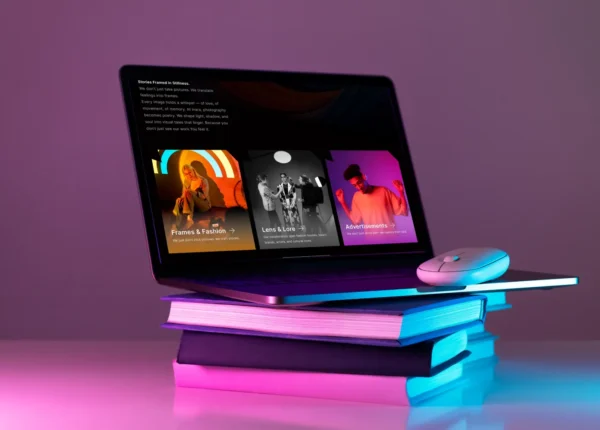
It is one of the most popular trends of UX these days: cinematic web design. Using principles of filmmaking to create interactive stories, it turns static web pages into movies in which scrolling plays the role of scene changing. Scroll animations, micro-interactions, and layered visual effects provide an engaging and memorable storytelling experience that keeps the visitor hooked until the very end.
With growing expectations from interactive experiences, companies try to go beyond traditional approaches to develop entertaining, educational, and converting web pages. In this article, we will discuss what cinematic web design is, why it is better than other approaches, its underlying technologies, and best practices of implementation.
What Is Cinematic Web Design?
Traditional websites provide their entire content at the same time. Users have to browse titles and menus and find the information they need themselves. This method works well, but it can be rather impersonal and fails to engage its audience emotionally.
Unlike traditional website design, cinematic web design is completely different. The whole point of this technique is that not all content is revealed at once. Instead, everything is revealed progressively using motion. Each section becomes a new chapter, each transition introduces a new thought, and the scrolling is used as a device to move on in the story.
Instead of jumping from one unrelated section to another, visitors immerse themselves in a continuous story. The background changes gradually, typographic elements come alive, illustrations are animated, and products are presented just in the right time. The motion is not decoration anymore; it is communication.
Why Is Storytelling So Important for Modern Website Design?
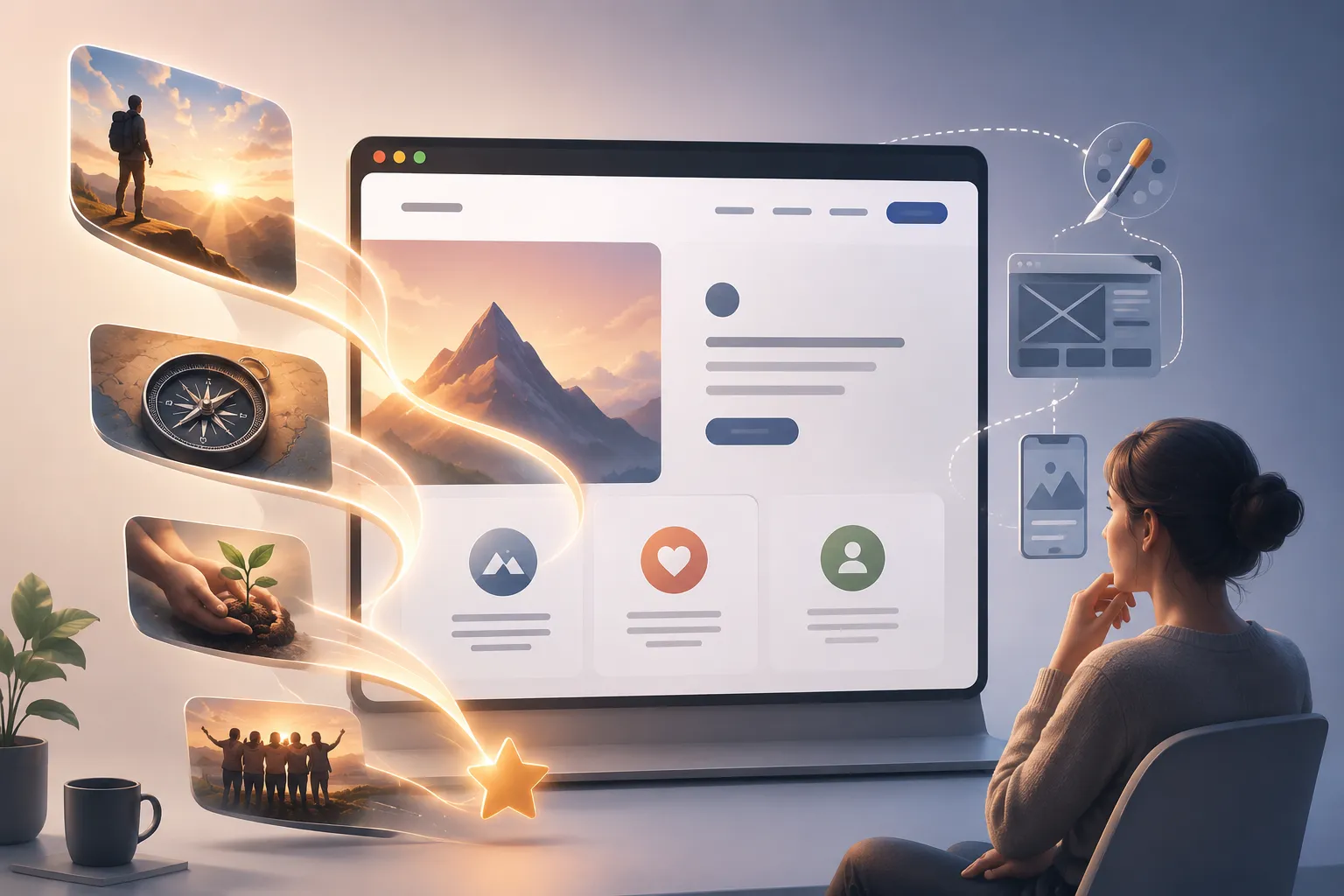
Human beings tend to remember stories rather than separate facts. This is the reason why the best brands do not highlight their features but offer an experience that makes people curious and emotional.
For instance, think about what happens when you visit a SaaS site where there are twenty features presented to you in one big grid. Compare it to visiting a site that introduces a problem, shows how the platform solves the problem with animated dashboards, talks about customer success, and ends with a call to action. The information is the same, but the experience is totally different.
This is the importance of storytelling in UI design. Unlike information dumping, storytelling divides the content into manageable scenes. On each new scroll, users get an answer to one question and move further automatically.
The Role of Scroll-Triggered Animations in Storytelling
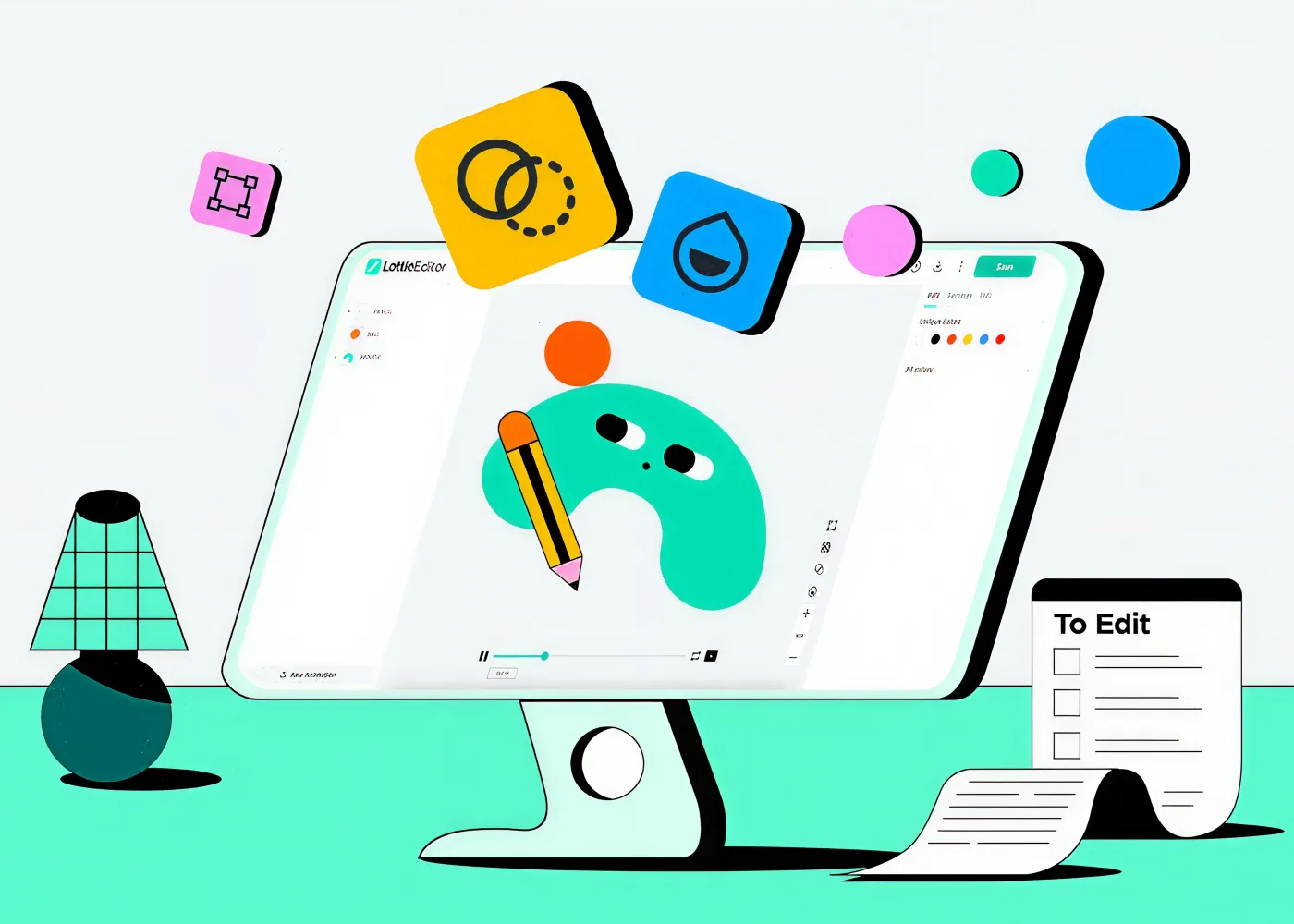
Scroll-triggered animations are what give cinematic websites the power they need to deliver cinematic experiences. Unlike automatic animation effects that play without the intervention of the user, scroll-triggered effects start when users reach certain points in the narrative, giving them a feeling of control over the process.
Used wisely, animation techniques show the information that matters most. Headings are revealed right before the supporting text, images slowly load to draw the visitor’s eye, and the features of products are animated at the very moment when the user is ready to see them.
Another great advantage of scroll-triggered animations is that they highlight hierarchy, guiding the viewer’s gaze with visual cues rather than asking him or her to choose the right place for the focus.
How Micro-Interactions Bring Interfaces to Life?
While scroll animations take care of the bigger picture, micro-interactions serve the smaller instances that a user will experience throughout their journey. All the hover effects, clicks, loading animations, or navigation transitions add to the sense of completeness that a site offers. Even though individually these interactions will last only for a few seconds, together they form a responsive and intelligent interface.
Imagine a button expanding slightly on mouse hover, an indicator animating smoothly when you scroll through the page, or even a navigation menu smoothly transitioning in as opposed to appearing out of nowhere. All this helps users know that the interface is aware of their actions. In fact, the best micro-interactions tend to go unnoticed precisely because they are completely natural and do not draw attention to themselves.
Building Narrative Flow Through Motion
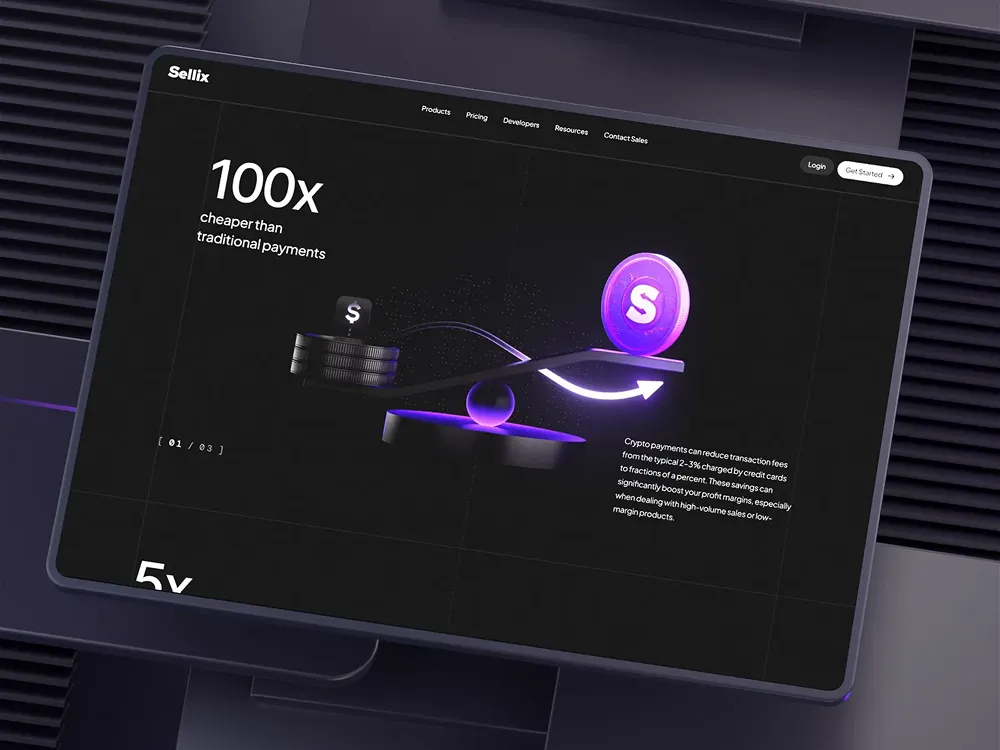
Among other traits, the ability to establish continuity in storytelling sets apart cinematic websites from ordinary ones. In the same way as filmmakers plan how their movie should be perceived by the audience, a designer creates such a narrative when crafting every animation to ensure smooth transitions from one part to another.
For example, an ordinary narrative starts with an eye-catching hero section to attract attention. As users scroll down the page, the site reveals a problem, offers a solution via the demonstration of how it works, wins customers' trust by means of case studies and testimonials, and ends up with a CTA.
Every transition between the episodes makes this journey coherent. Colors, illustrations, and typography are adjusted according to the change in the theme to connect all pieces into one story. That is how the rhythm is established, making the difference between professionals' cinematic designs and other sites that use animations.
Parallax and Visual Depth: Creating a Three-Dimensional Experience
One of the techniques most closely associated with cinematic web design is parallax scrolling. While scroll-triggered animations reveal content at specific moments, parallax adds depth by moving different layers of a page at varying speeds. The result is an experience that feels dynamic and immersive, almost as if users are moving through scenes rather than simply scrolling down a webpage.
Imagine a travel website where the mountains in the background move slowly while the foreground content glides more quickly. Or consider a product page where the device remains centered while surrounding graphics subtly shift with the user's scroll. These effects create a sense of perspective that draws visitors deeper into the story. However, parallax should always serve a purpose. Excessive movement can distract users and negatively affect performance, especially on mobile devices. The most effective implementations use subtle motion to support the content rather than compete with it.
some of the most impactful ways to use parallax include:
- Creating depth in hero sections.
- Revealing products layer by layer.
- Guiding users through timelines or brand stories.
- Enhancing portfolios with immersive image galleries.
- Adding visual continuity between different sections.
When combined with scroll-triggered animations, parallax transforms a flat interface into an engaging storytelling experience.
GSAP and Modern Animation Libraries: Making the Best Use of Them
Creating cinematic effects is not just about having good ideas but rather having the right tools that can help you manage motion in detail. Although CSS transitions may work fine for basic actions, sometimes more complicated stories require animation libraries that can coordinate animation with scrolling.
Here's a brief list of the most commonly used animation libraries.
| GSAP | Complex timelines and scroll animations | Powerful ScrollTrigger plugin | Medium |
| Framer Motion | React applications | Component-based animations | Easy |
| Motion One | Lightweight websites | Small bundle size | Easy |
| Anime.js | General JavaScript animation | Flexible animation API | Medium |
| Lenis | Smooth scrolling | Improves scrolling performance | Easy |
Among these, GSAP remains the industry standard for cinematic experiences. Its ScrollTrigger plugin allows developers to synchronize animations with scrolling, pin sections, create layered parallax effects, and choreograph complex timelines with remarkable precision.
For React projects, Framer Motion has become a favorite because it integrates directly with React components. Developers can create smooth page transitions, animated layouts, gesture interactions, and scroll effects without managing complicated animation timelines manually.
Choreographing the Perfect Scroll Experience
Animation alone doesn't create a cinematic experience, timing does.
Just as a filmmaker carefully determines when a scene begins and ends, designers must choreograph every animation so it complements the user's scrolling behavior. Poorly timed animations can make a website feel sluggish or overwhelming, while well-timed transitions create a seamless narrative that feels almost effortless.
Consider the following comparison:
| Multiple elements animate simultaneously | Elements appear in a logical sequence |
| Long delays interrupt scrolling | Motion responds naturally to user input |
| Excessive movement distracts users | Subtle animations guide attention |
| Every section uses the same effect | Different effects reinforce different messages |
| Animations continue after scrolling stops | Animations remain synchronized with scrolling |
How to Use Scroll Animations for Storytelling?
Designing a cinematic website begins long before the first animation is created. The strongest experiences start with a clear narrative and then use motion to enhance that story.
A practical workflow looks like this:
- Define your story. Decide what message or journey you want users to experience.
- Break the story into chapters. Organize content into logical sections instead of long, uninterrupted pages.
- Identify key moments. Determine where animation can reinforce important ideas rather than simply decorate the page.
- Choose the right tools. Use GSAP, Framer Motion, or CSS depending on the complexity of the interactions.
- Refine the pacing. Test scroll timing to ensure transitions feel smooth and intuitive.
- Optimize performance. Compress assets, minimize unnecessary animations, and prioritize fast loading.
- Test accessibility. Support users who prefer reduced motion while maintaining the integrity of the experience.
Following this process ensures that animations become part of the storytelling rather than an afterthought.
Best Practices for Cinematic Web Design
But the best cinematic websites don’t have to be the most animated; they just need to be the most thoughtful. Every animation must be used for usability, hierarchy, and storytelling.
Keep these best practices in mind:
- Use animation to communicate, not decorate.
- Maintain consistent timing across the entire website.
- Limit animations to moments that genuinely add value.
- Prioritize readability over visual effects.
- Optimize images, videos, and scripts for fast loading.
- Test the experience across desktop, tablet, and mobile devices.
- Respect accessibility settings such as prefers-reduced-motion.
- Ensure every transition has a clear purpose.
Final Thoughts:
In today's highly competitive world of digital marketing, capturing attention becomes just one-half of the equation; the other half involves retaining it. This is where cinematic website design comes into play, as it turns traditional web pages into a journey of discovery for which each scroll means something different. This can be done with effective scroll-triggered animations, micro-interactions, storytelling UI, and parallax effects to make the process enjoyable.
Regardless of whether you are creating a creative portfolio, a business-oriented product page, or a SaaS solution, the approach will be the same. It all begins with a compelling story, the implementation of which through such libraries as GSAP or Framer Motion and the proper choreography of interactions will allow the users to focus on the message conveyed rather than being distracted from it.
All in all, the most effective cinematic websites don't amaze the visitors with their movements but, instead, make them meaningful. If you’re interested in how visual storytelling connects with high-performance interface design, you can explore this related guide: The Ultimate Guide to Premium UI/UX: Where Aesthetic Design Meets High-Performance Engineering

Animation offers a medium of story telling and visual entertainment which can bring pleasure and information to people of all ages everywhere in the world.
Animation is not just entertainment, it is a creative way to express stories and emotions in a simple, engaging form that everyone around the world can enjoy and understand.
Related posts