Skip to content
Studio Techelix, home page

Blog

Our web design blog

Longer reads from the studio on interface design, front-end performance and search, for anyone who wants the thinking behind a choice as well as the choice itself.

All articles

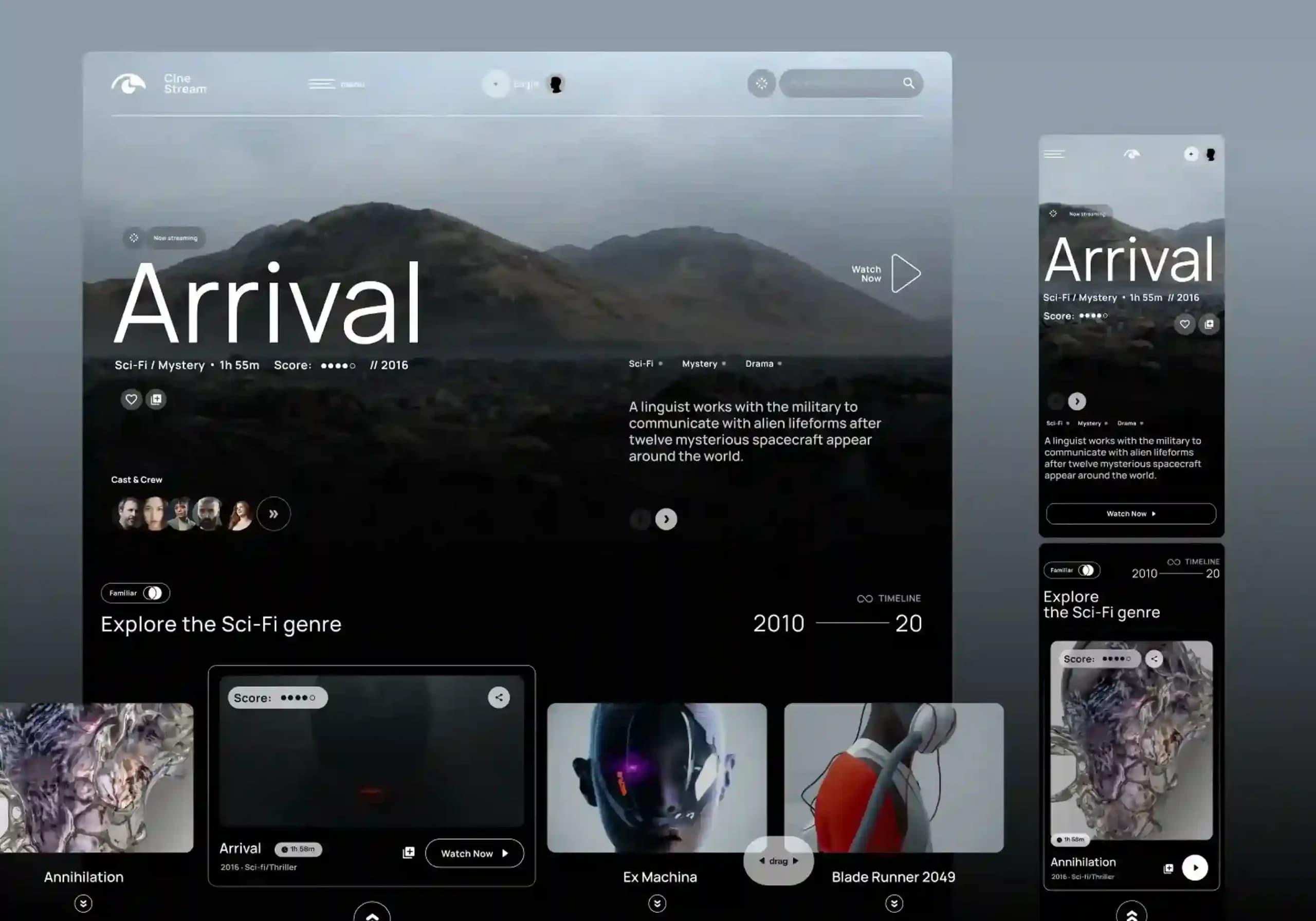
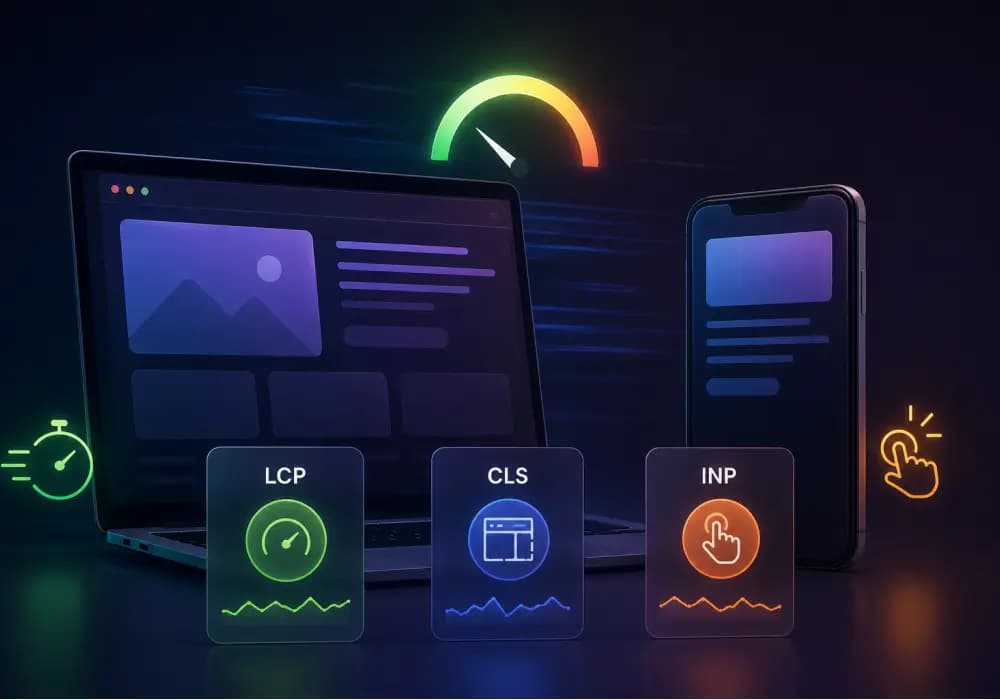
A laptop and smartphone displaying web interface mockups, with glassmorphism cards in the foreground showing Core Web Vitals metrics: LCP, CLS, and INP.

LatestDesign

High-Performance Cinematic UI: Beautiful Animations That Don’t Tank Your Core Web Vitals

Want to create visually stunning websites without compromising speed? This guide explores how to build high-performance animations that enhance user experience while keeping Core Web Vitals in check. Learn practical techniques for preventing layout shifts, leveraging hardware acceleration, optimizing scroll animations, and using modern frameworks like Next.js to deliver fast, responsive, and cinematic web experiences that look impressive and perform seamlessly across every device.

8 min read
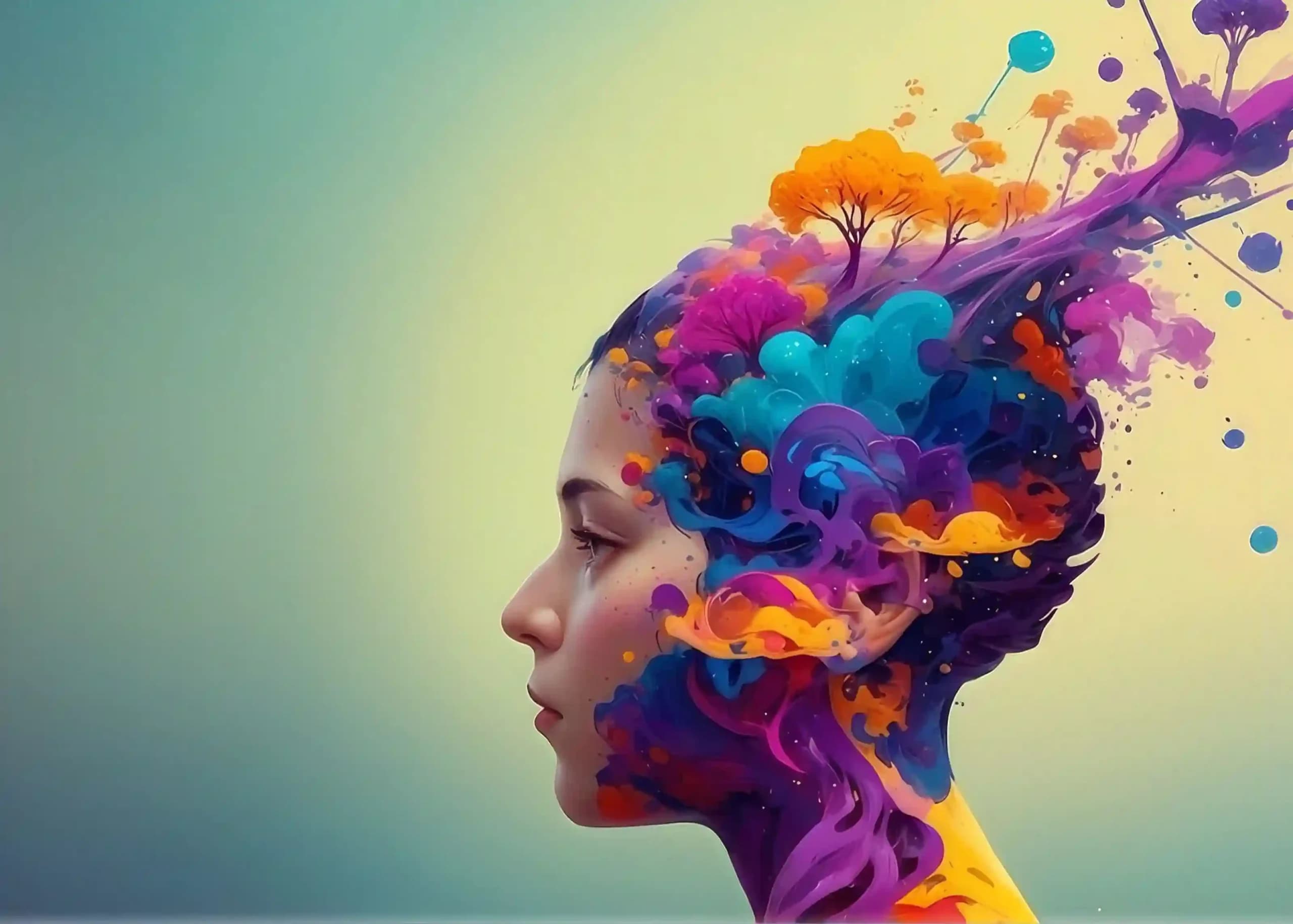
Abstract digital illustration of a human head filled with colorful swirling paint and trees, symbolizing creativity, growth, and imagination.

Design

Beyond Blue: The Psychology of Color in High-Ticket B2B Web Design

B2B color psychology plays a critical role in shaping trust, credibility, and buyer perception. Modern enterprise brands must move beyond predictable corporate blue and create intentional color systems that communicate expertise, innovation, and reliability. The right palette strengthens brand identity, improves user experience, supports conversions, and builds confidence across global markets. Strategic color choices help businesses stand out while influencing decisions throughout the enterprise buying journey.

11 min read

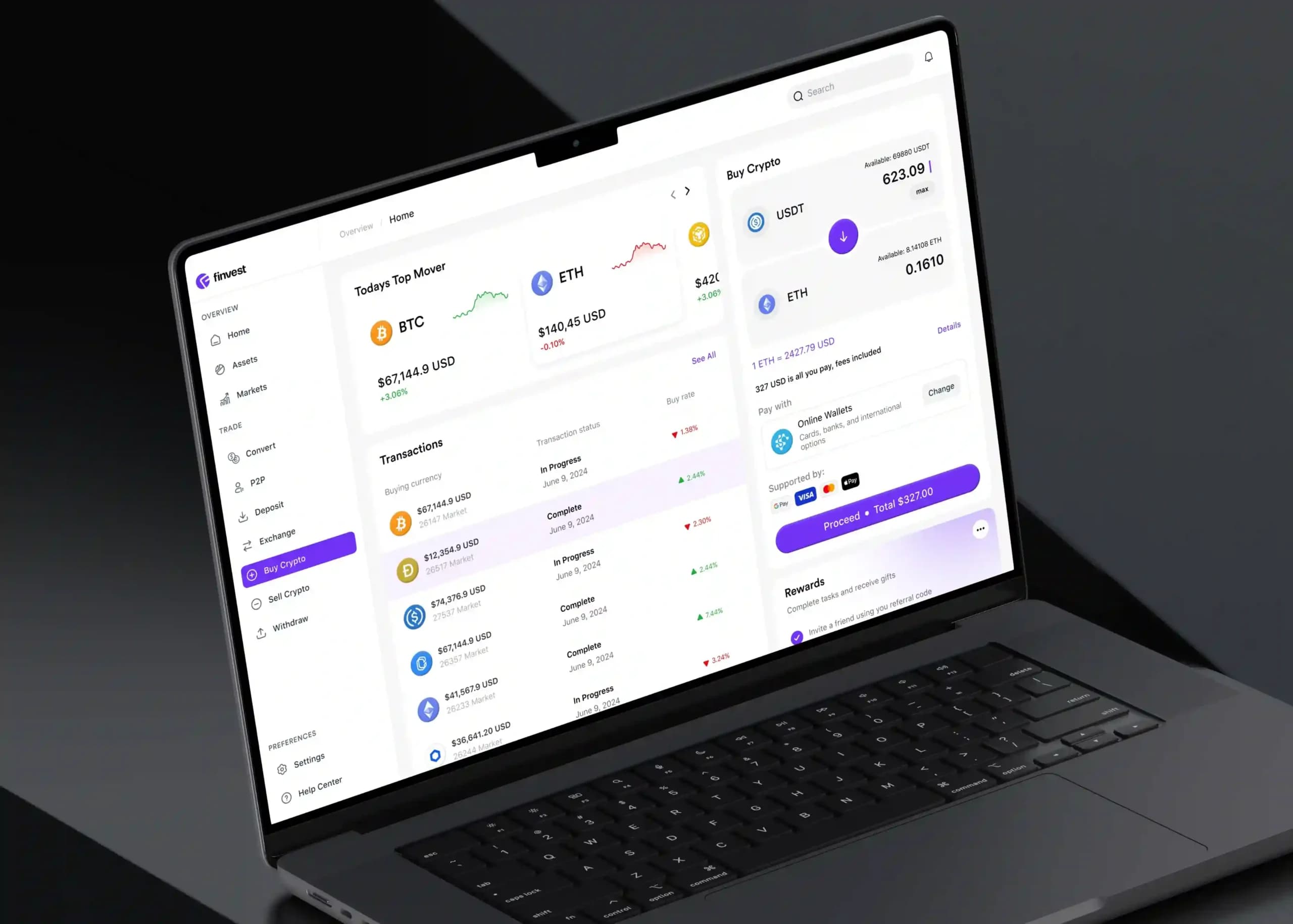
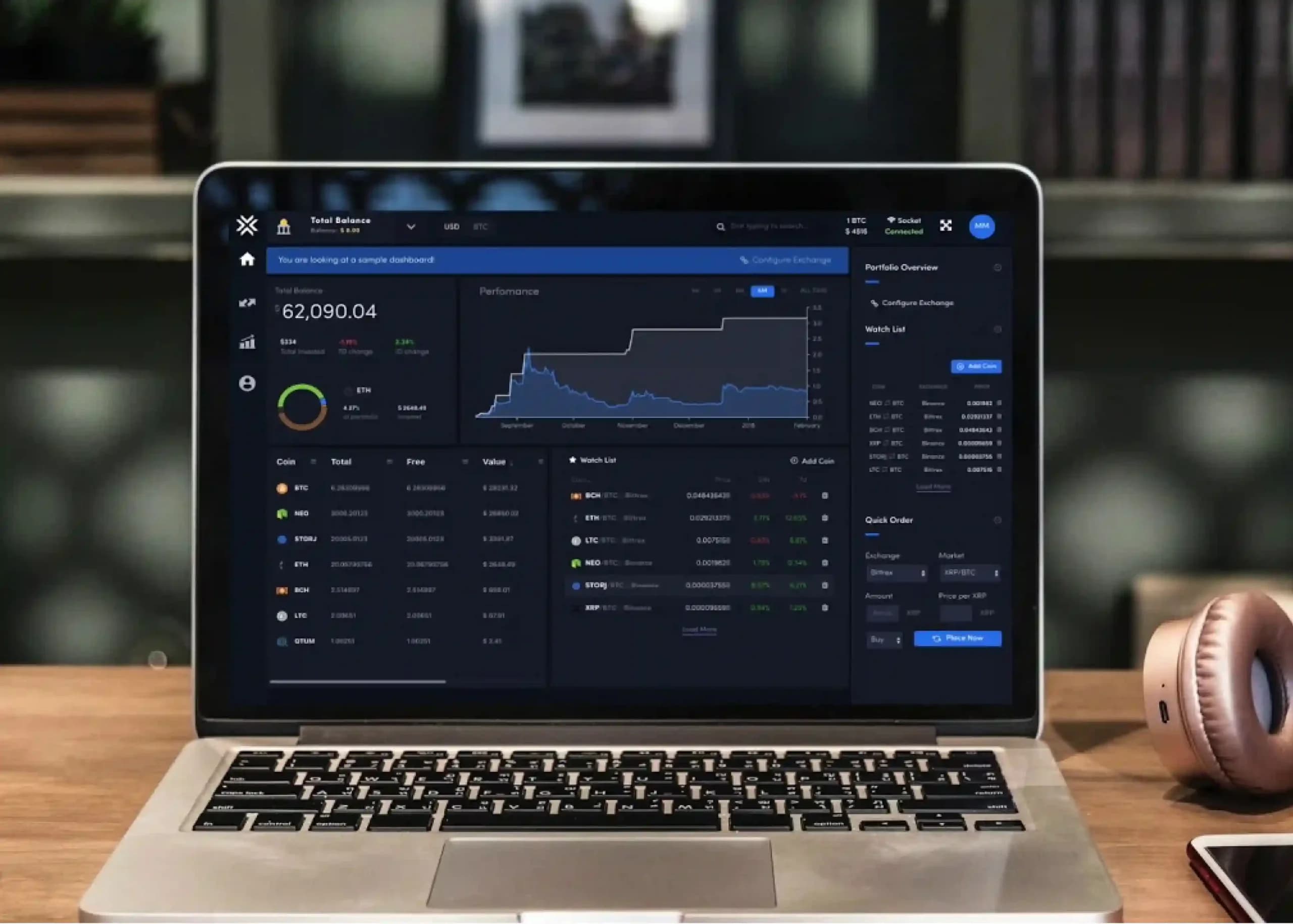
Cryptocurrency trading dashboard displayed on a laptop showing Bitcoin and Ethereum prices, transactions, market data, and crypto purchase options.

Design

The B2B SaaS Dashboard Design Playbook: Turning Data Density Into Clarity

Effective SaaS dashboard design is about clarity, not cramming in more data. Prioritize essential information, establish strong information hierarchy, reduce cognitive load, and use progressive disclosure for advanced features. Make dashboards scannable with contextual KPIs, purposeful visualizations, role-based experiences, and clear actions. Accessibility, responsive design, performance, and meaningful states also matter. Ultimately, great dashboards help users quickly understand what matters and confidently decide what to do next.

10 min read

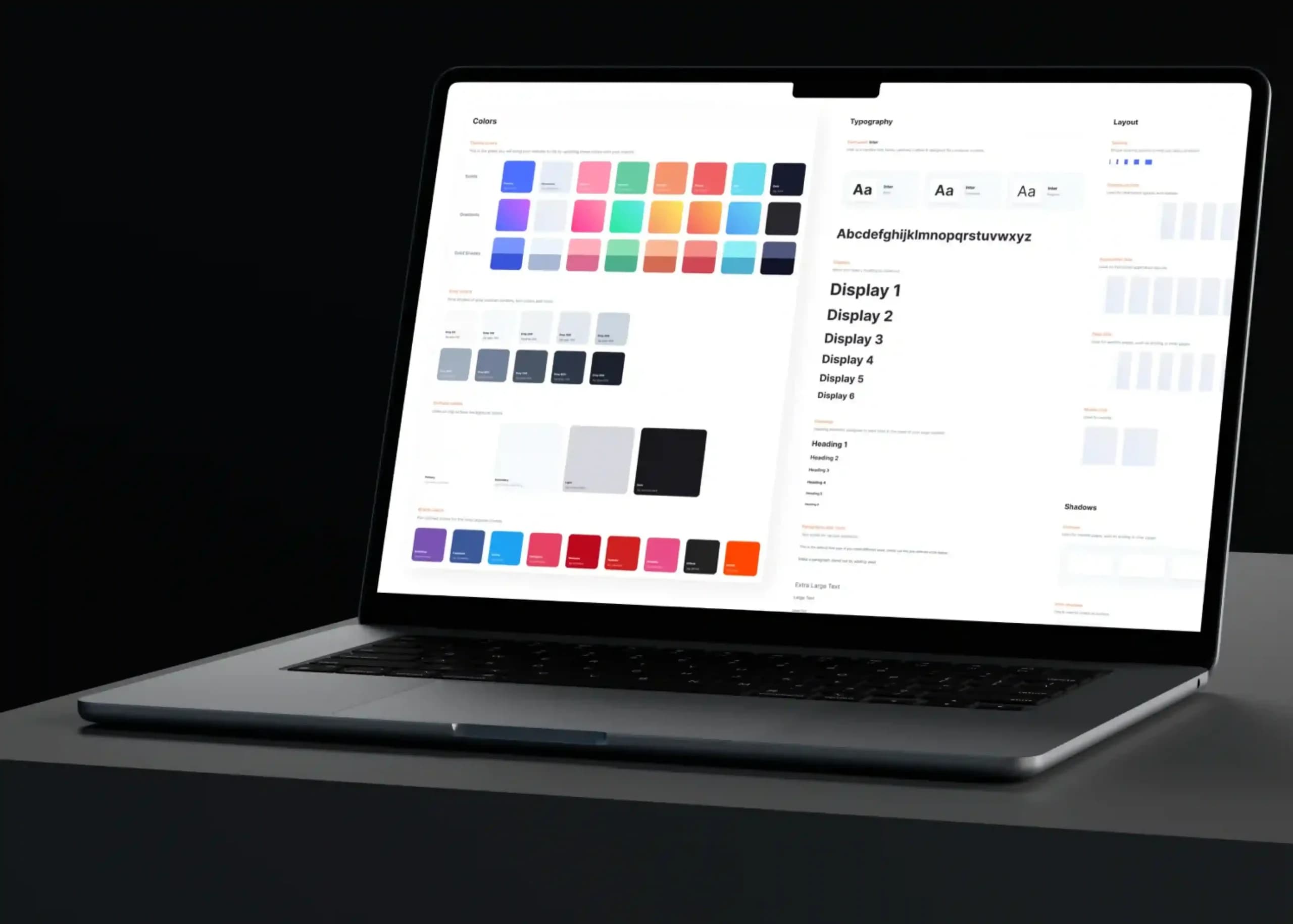
Laptop displaying an enterprise design system with color palettes, typography, and UI components, illustrating how strategic color choices build trust and improve B2B conversions.

Design

Designing for Enterprise Trust: Color Palettes That Drive B2B Conversions

Enterprise color palettes are more than visual branding tools; they shape trust, usability, and conversion outcomes. A strategic color system uses primary, neutral, semantic, and accent colors to create clarity, guide user actions, and improve accessibility. Consistent CTA colors, strong contrast, and thoughtful hierarchy help reduce friction across the buyer journey. By measuring user behavior and refining designs with data, businesses can create professional enterprise experiences that build confidence and drive engagement.

9 min read

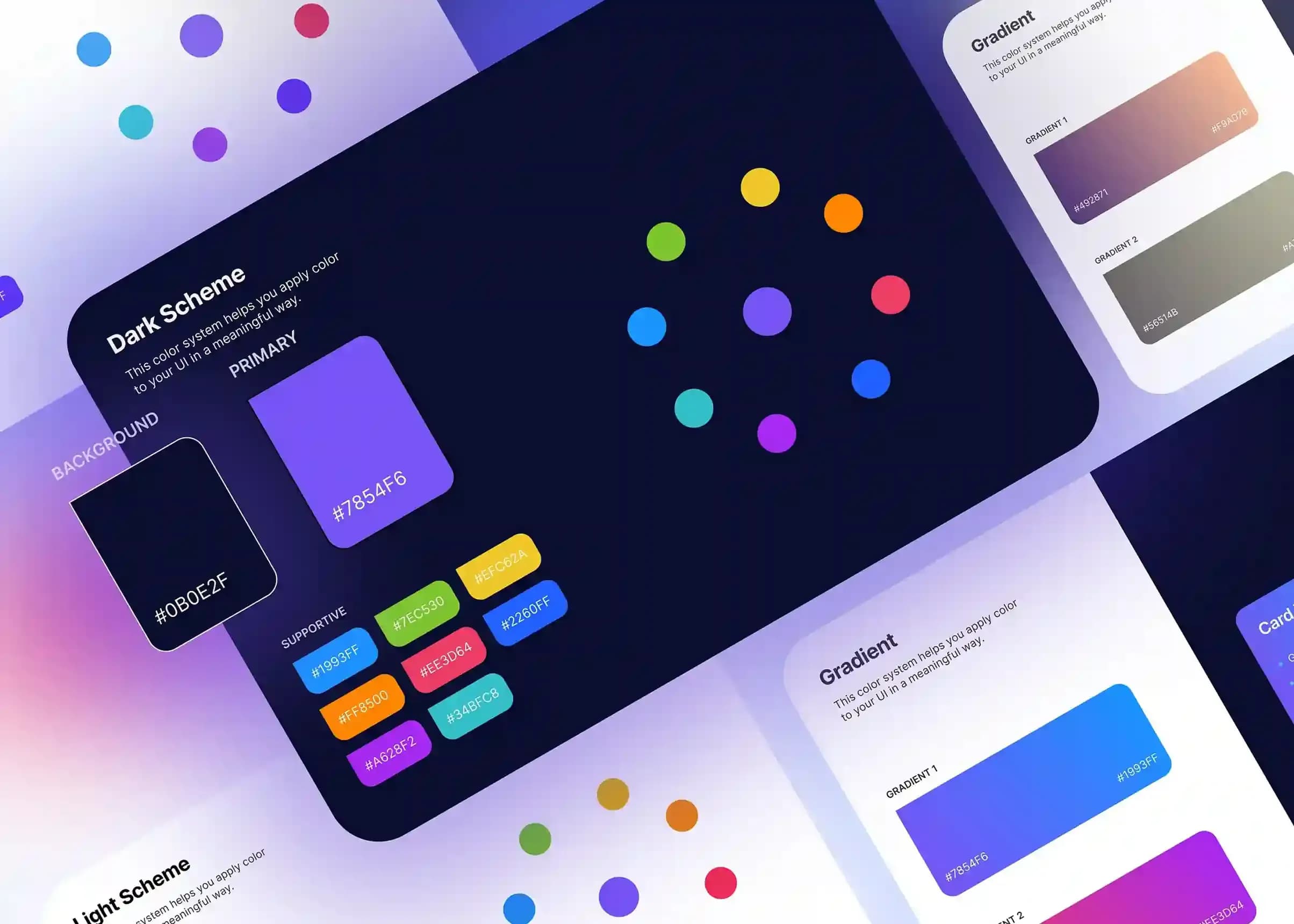
Modern UI/UX design color system displaying dark scheme cards, hex color codes, vibrant supportive swatches, and gradient palettes.

Design

The Strategic Use of Colour in B2B UI/UX: Moving Beyond Generic Colour Theory

Strategic colour in UI/UX goes beyond selecting attractive palettes; it creates meaningful systems that improve usability, consistency, and decision-making in B2B applications. Enterprise products require contextual colour usage, design tokens, and functional colour roles to guide users through complex workflows. A strong B2B UI colour strategy reduces cognitive load, improves accessibility, and supports scalable design systems. By treating colour as a communication tool rather than decoration, businesses can build clearer, more intuitive digital experiences.

10 min read

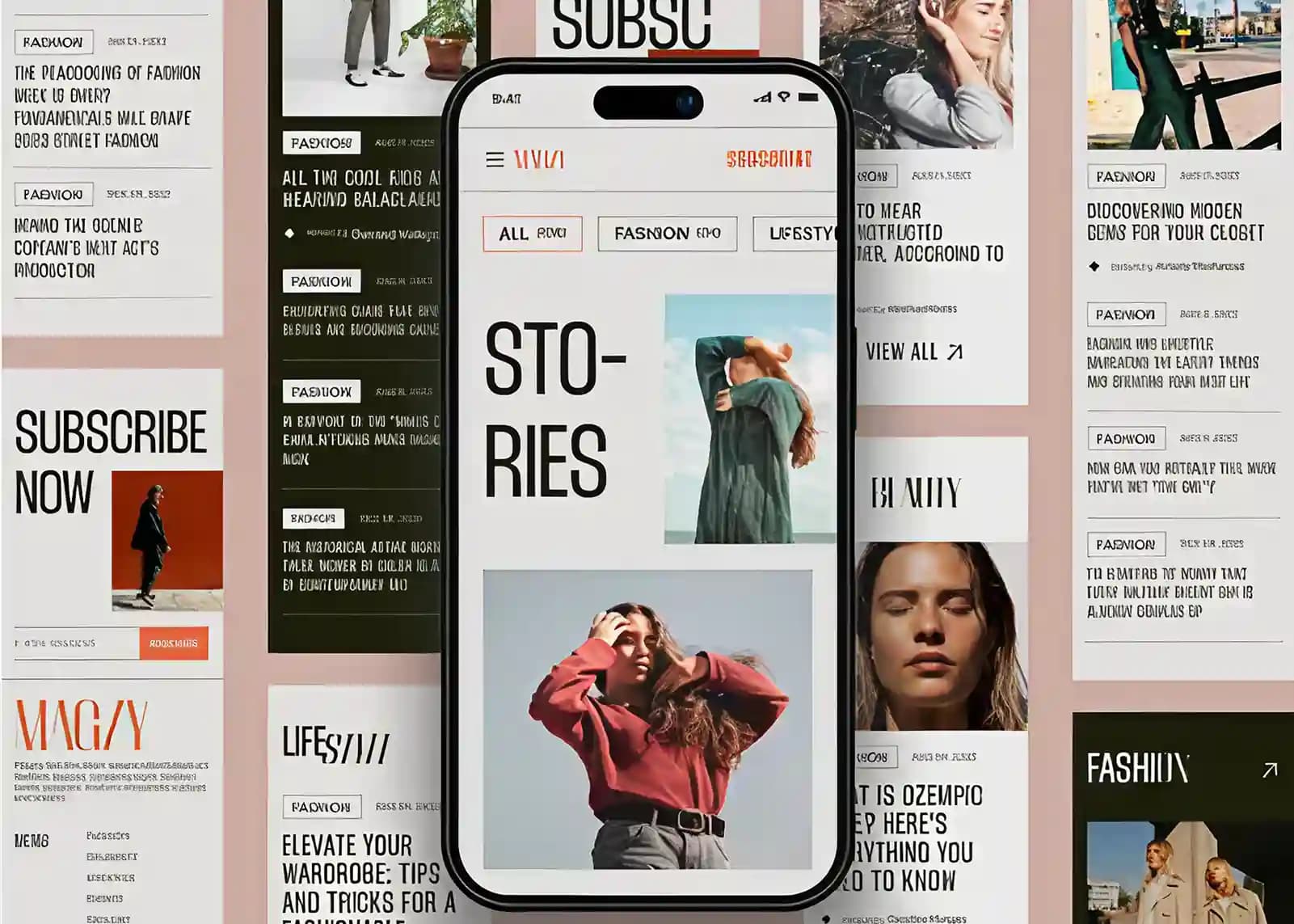
Mobile fashion magazine interface displayed with editorial article layouts and modern minimalist design.

Design

Editorial Gravity: How to Make Your Website Feel Like a High-End Magazine

Editorial UI design helps websites feel premium, trustworthy, and engaging by applying principles from luxury magazines and publications. Through strong typography, white space, visual hierarchy, storytelling, and curated imagery, it creates “editorial gravity” that captures and guides user attention. Instead of overwhelming visitors with clutter, editorial websites prioritize clarity, readability, and narrative flow. This approach strengthens brand perception, builds credibility, improves user engagement, and creates memorable digital experiences that encourage deeper exploration, stronger emotional connections, and higher conversion potential.

15 min read

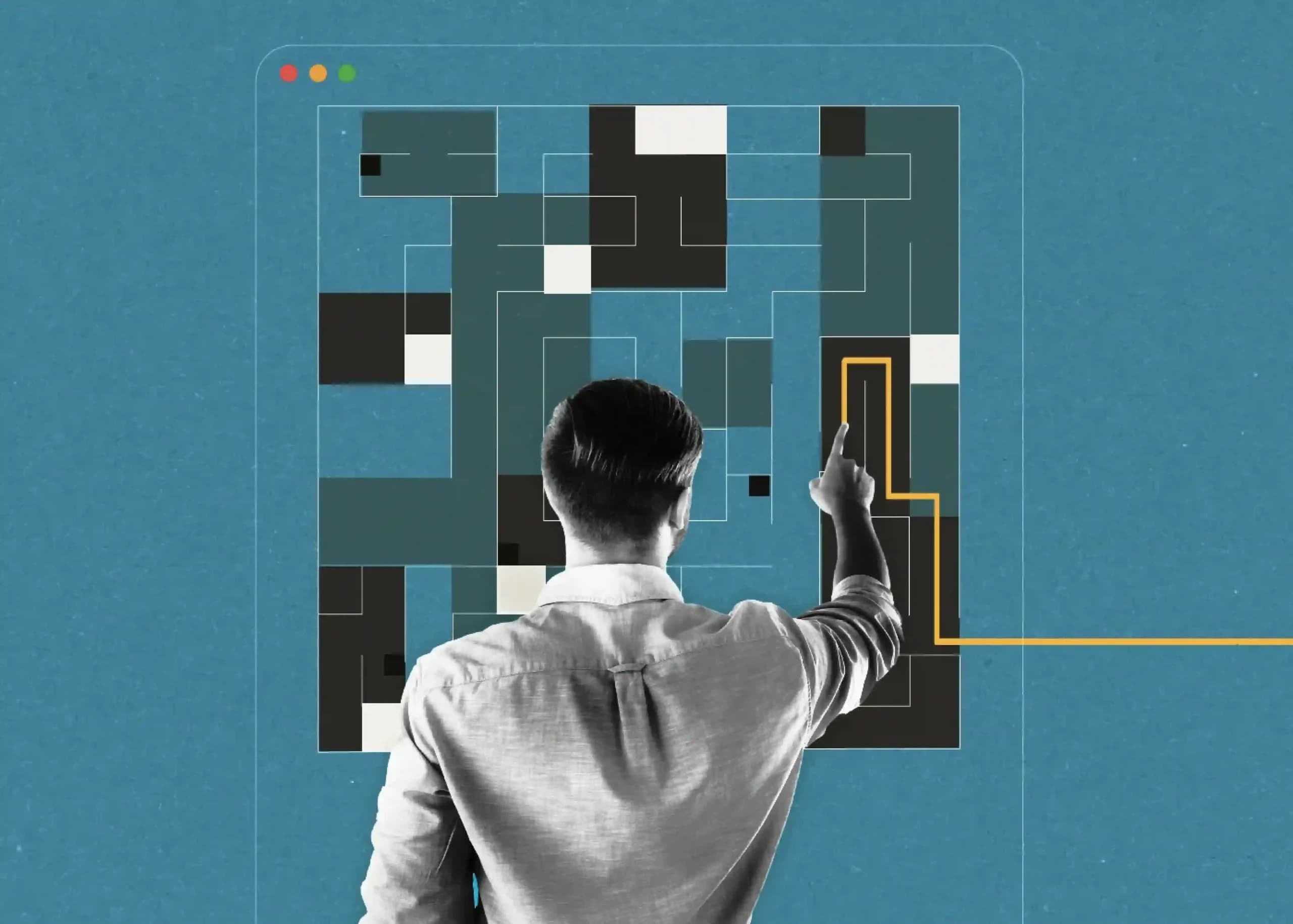
Person interacting with a visual UI layout and highlighted user journey path.

Design

Why Your Dark Mode UI Looks Cheap (And How to Fix It With Royal Dark UI)

Dark mode isn’t just about using dark colors; it’s about creating a balanced, premium user experience. Avoid common mistakes like pure black backgrounds, oversaturated accent colors, poor visual hierarchy, and flat layouts. Instead, use layered charcoal tones, subtle depth, softer text colors, and a consistent design system to build a royal dark UI that’s easier on the eyes, strengthens your brand, and delivers a polished, professional experience.

7 min read

Design

Immersive E-Commerce: Using Cinematic UI to Elevate the Customer Journey

Immersive e-commerce UI transforms traditional online stores into engaging digital experiences through 3D product models, rich media, cinematic transitions, and interactive design. Instead of relying solely on static images, brands can use visualization to reduce uncertainty and build shopper confidence. Headless commerce enables seamless page transitions and greater creative control, while performance-focused UX keeps purchasing frictionless. By combining visual storytelling with fast loading, persistent purchase actions, and data-driven testing, brands can create premium shopping experiences that stand out while supporting stronger conversions.

8 min read

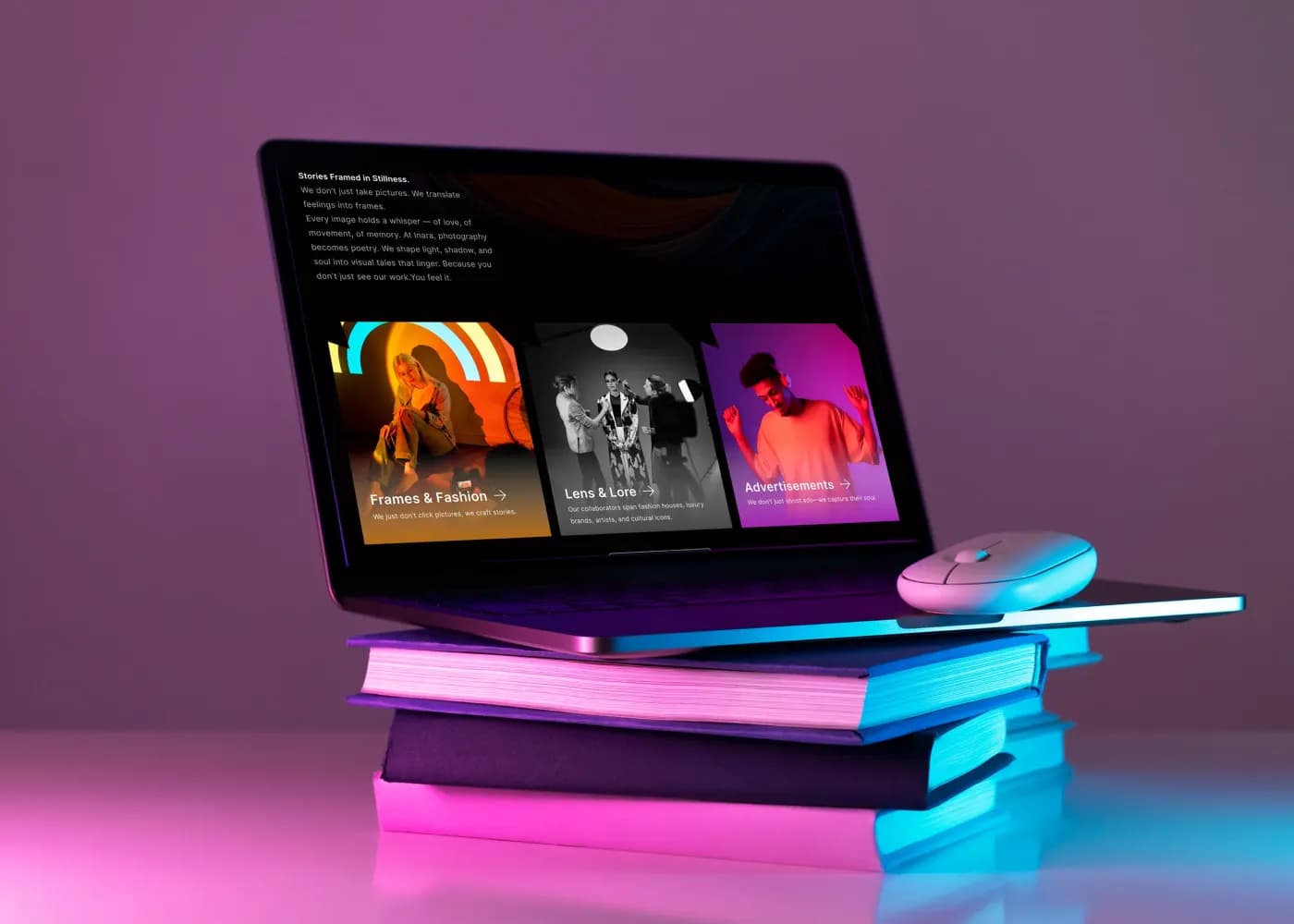
Laptop displaying a modern, dark-themed photography website layout, resting on a stack of books under vibrant pink and blue neon lighting.

Design

Cinematic Web Design: Storytelling Through Scroll-Triggered Micro-Animations

Cinematic web design transforms traditional websites into storytelling experiences where scrolling acts like scene changes. Instead of static layouts, content unfolds through scroll-triggered animations, micro-interactions, and parallax effects, creating emotional and engaging user journeys. The approach focuses on narrative flow, guiding users through structured “chapters” of content. Powered by tools like GSAP and Framer Motion, it prioritizes intentional motion, usability, and performance to enhance communication rather than just visual decoration.

8 min read

Laptop displaying a dark mode financial dashboard with charts, portfolio analytics, and trading data on a desk in a modern workspace.

Design

The Anatomy of Premium Dark Mode: Contrast, Depth, and High-End Web Design

Premium dark mode design goes far beyond using a black background. The best dark interfaces balance contrast, depth, typography, and spacing to create a sophisticated user experience. By using layered surfaces, subtle shadows, charcoal-based color palettes, high-contrast text, and intentional whitespace, designers can improve readability, establish clear hierarchy, and create visually immersive products. When executed thoughtfully, dark mode enhances both aesthetics and usability, delivering a polished, high-end digital experience.

9 min read

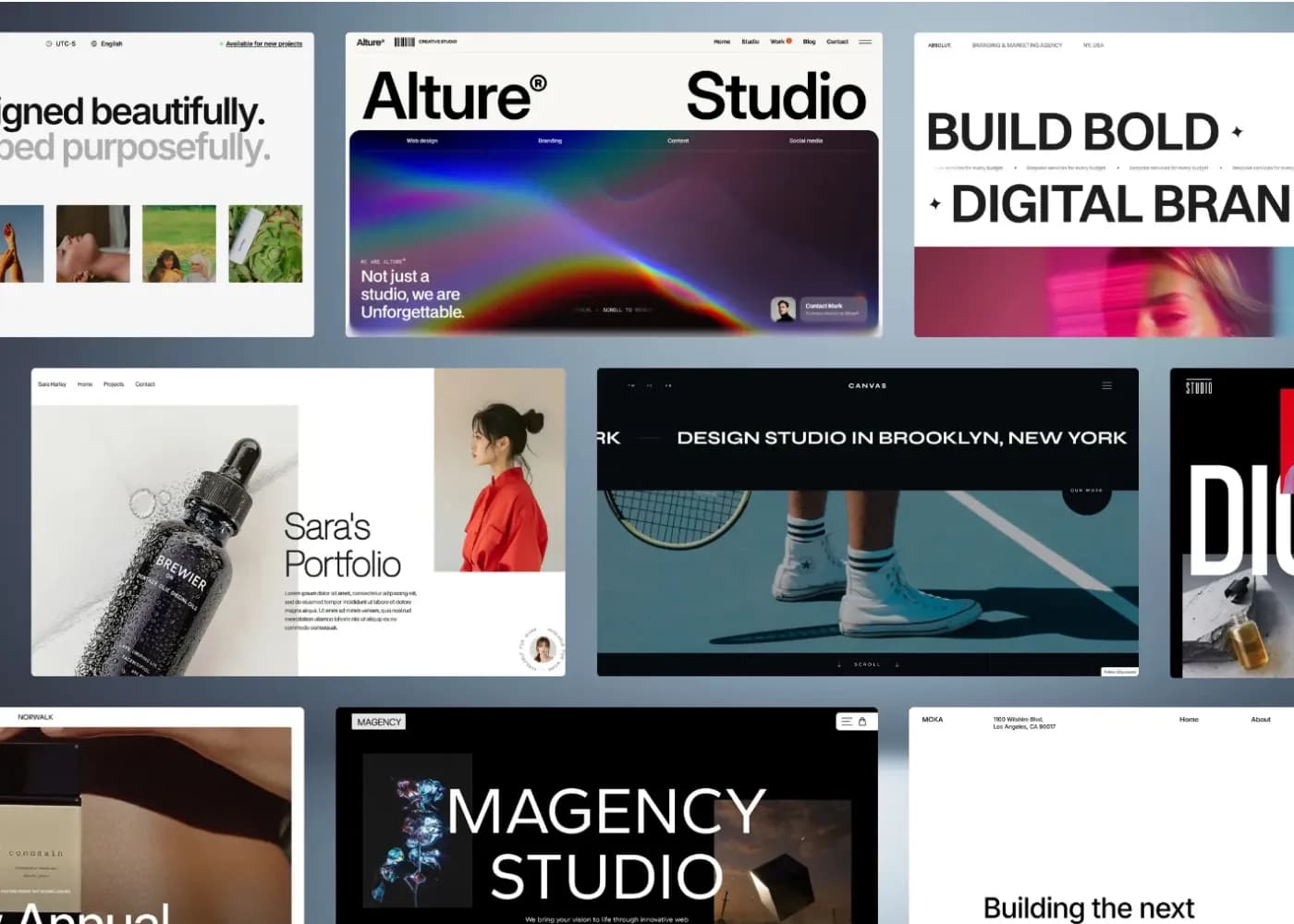
A showcase grid displaying multiple modern agency website design layouts. The UI mockups feature minimalist editorial design principles, prominent bold typography headers like "Alture Studio" and "Build Bold," elegant whitespace, and striking product and lifestyle photography blocks.

Design

The Art of Editorial UI: Leveraging Typography and Whitespace for Luxury Brands UI

Luxury web design relies on restraint, not excess. Through editorial-style layouts, sophisticated typography, and strategic whitespace, premium brands create digital experiences that communicate exclusivity, craftsmanship, and trust. Serif fonts, refined spacing, and minimal navigation help establish a timeless aesthetic, while generous negative space improves focus, usability, and perceived value. Whether for luxury leather goods or premium fashion brands, thoughtful design choices transform websites into immersive brand experiences that strengthen storytelling, elevate products, and create lasting impressions that drive engagement and conversions.

15 min read

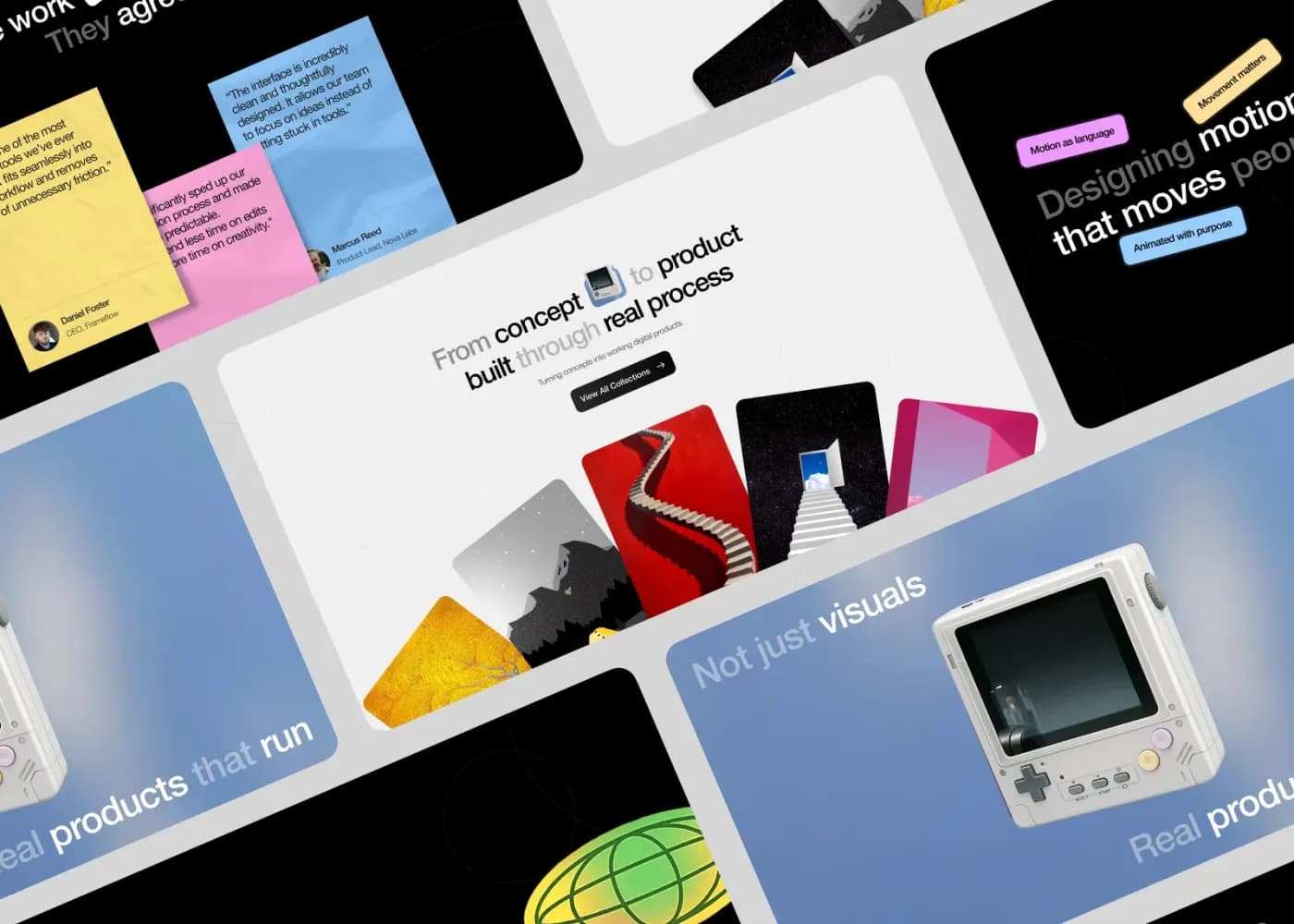
Collage of modern website interface designs arranged in a grid layout, featuring bold typography, colorful cards, product mockups, and creative visual elements that showcase contemporary digital design.

Design

Grid Systems and Gravity: Designing Digital Experiences That Command Authority

Grid systems in web design provide the structural foundation that makes websites feel organized, professional, and trustworthy. By aligning content through rows, columns, and consistent spacing, grids improve readability, visual hierarchy, and user navigation. They help distribute visual weight effectively, creating a sense of balance and authority that is especially important in B2B web design. Modern tools like CSS Grid enable responsive, scalable layouts that maintain consistency across devices. Whether using symmetrical or asymmetrical compositions, strong grid systems enhance user experience and brand credibility. Ultimately, they transform complex information into clear, engaging digital experiences that inspire confidence and drive results.

5 min read

Design

The Ultimate Guide to Premium UI/UX: Where Aesthetic Design Meets High-Performance Engineering

This blog explains the importance of premium UI/UX design in creating successful digital products and improving business outcomes. It points out how UX focuses on usability, user journeys, and overall experience, while UI focuses on visual elements like layout, colors, and typography. A structured design process is outlined, including defining goals, researching users, planning architecture, designing interfaces, prototyping, testing, refining, and handing off to developers. It emphasizes balancing aesthetics with performance, optimizing Core Web Vitals, and using user research to guide decisions. The guide also covers B2B and headless commerce strategies, SEO impact, mobile-first design, and accessibility. Overall, it shows that effective UI/UX improves engagement, conversions, satisfaction, and long-term business growth by creating fast, intuitive, and user-centered digital experiences.

21 min read

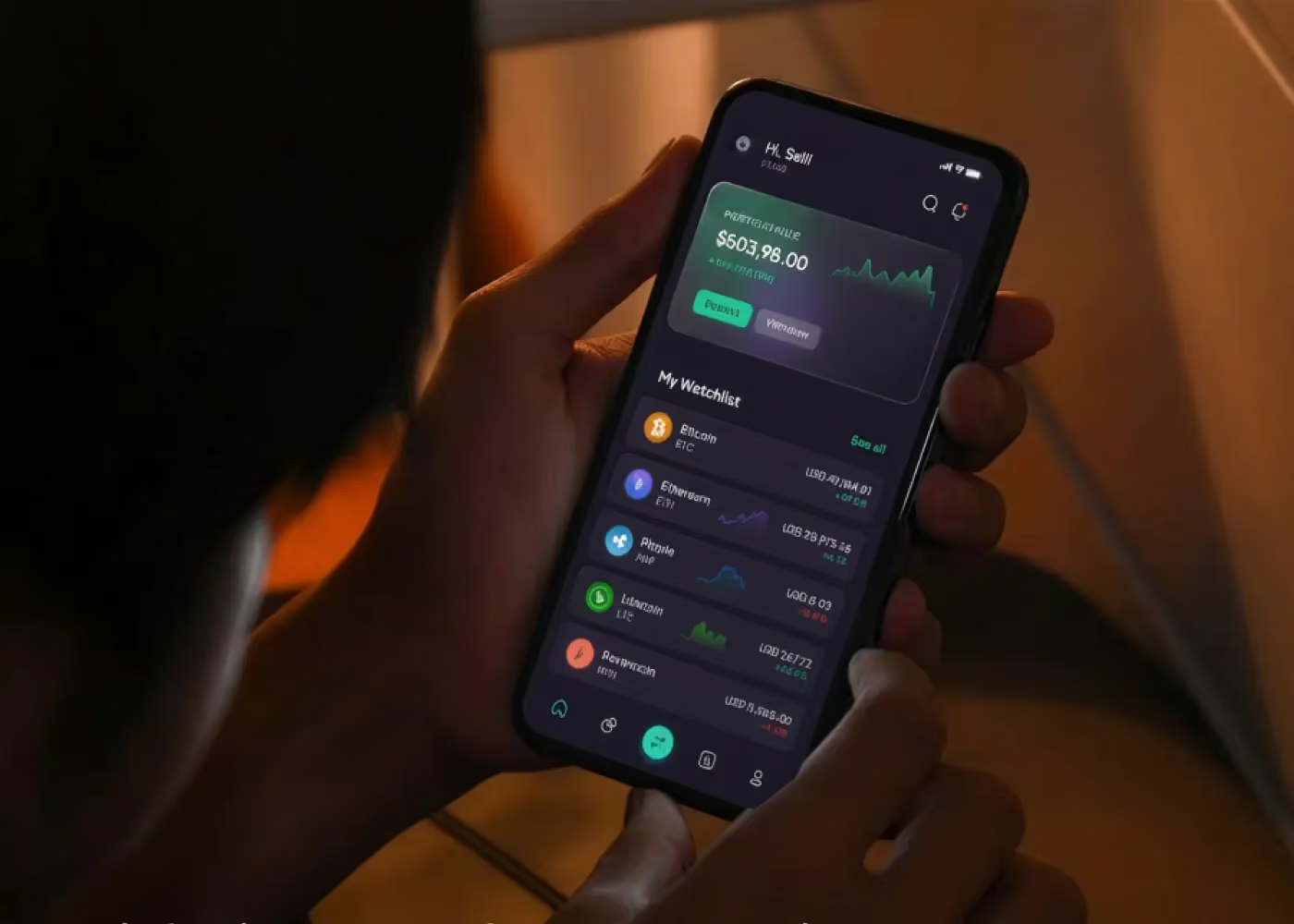
Person holding a smartphone displaying a luxury dark-mode finance and cryptocurrency tracking app with portfolio and watchlist data.

Design

Royal Dark Mode: Designing Luxury UI Themes Without Sacrificing Accessibility

Royal dark mode combines luxury aesthetics with accessibility through rich dark colors, premium accents, and refined typography. By following WCAG contrast standards, prioritizing readability, and using thoughtful visual hierarchy, designers can create elegant, inclusive, and user-friendly experiences that feel both sophisticated and accessible.

6 min read

Got a project these articles remind you of?

Tell us what you're working on. We'll reply with honest next steps, whether or not we're the right fit.